How to Get the Chave Móvel Digital (CMD) in Portugal
In short
Getting Chave Móvel Digital (CMD) is one of those small admin steps that pays off again and again once you’re living in Portugal. If you remember just one thing, make it this: foreigners can get CMD, but the smoothest route for most people is to prepare your documents, bring a working phone number, and activate it in person at an Espaço Cidadão or Loja do Cidadão. From there, CMD becomes your everyday digital key for accessing online services, confirming your identity, and handling tasks that would otherwise mean extra logins, extra steps, or extra trips to a counter.
Summarise this article with the AI of your choice:
If you are a foreigner in Portugal, or planning to move soon, Chave Móvel Digital (CMD) is one of those things you will keep hearing about, usually right when you are trying to get something done. You will see it on government portals, health platforms, and service websites as a login option. At first it can feel like just another layer of bureaucracy, but it is actually designed to make your life easier.
CMD is Portugal’s official way to prove who you are online using your phone. Once it’s activated, you can use it to log in to many services with a PIN and a one time code, and in some cases sign documents digitally. For foreigners, the big question is always the same: can I get it with my passport, what do I need, and what do I do if I cannot activate it yet? This guide walks you through exactly that, step by step, with the most common scenarios expats run into.
Table of contents8
- What is Chave Móvel Digital?
- What documents are needed for Chave Móvel Digital?
- Can foreigners get Chave Móvel Digital?
- How to obtain Chave Móvel Digital?
- How to activate Chave Móvel Digital?
- What services can I access with Chave Móvel Digital?
- If you’re a foreigner and need an alternative to CMD
- Common foreigner pitfalls (and how to avoid them)
Portuguese NIF
Your Portuguese NIF, from abroad
- Apply online in 5 minutes
- By email from 24 hours
- Finanças password included
From€99
Get my NIF4.8/51,500+ reviews
Money-back guarantee
What is Chave Móvel Digital?
Chave Móvel Digital (CMD) is Portugal’s official state-certified digital authentication and signature method. It links your mobile number to your identity document, so you can access participating public/private websites and sign documents with one login. In practice, chave móvel digital is a chave digital or digital key used in Portugal to authenticate your identity online.
Chave móvel digital CMD links:
- Your identity document (passport or residence card/title, or a citizen card for Portuguese nationals)
- Your mobile number
- A PIN you choose
Then, when a website offers login with chave móvel digital cmd, you authenticate with:
- Your PIN
- A one-time security code sent to your phone, or approved through an app depending on your setup
What documents are needed for Chave Móvel Digital?
You want to show up ready and avoid the most common reason people get turned away. CMD requires one phone number per person (even children can have CMD, but they need their own mobile number).
Documents to bring
- **Identification for chave móvel**:
- Passport, or
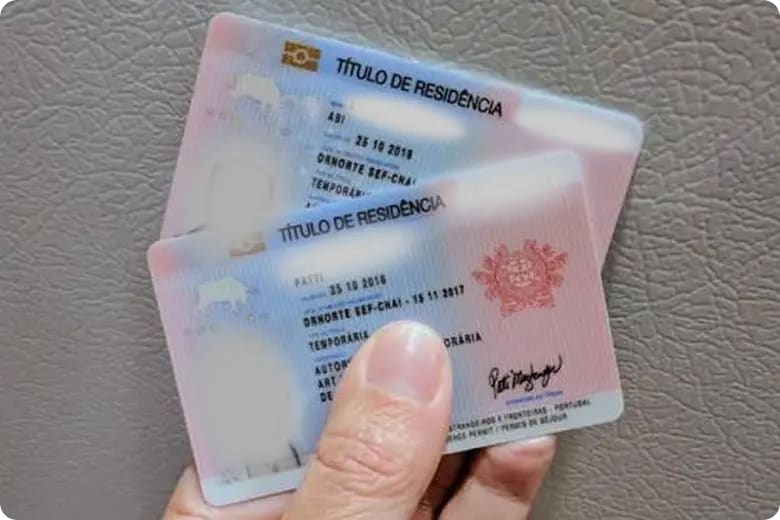
- Residence card/title
- Your phone with the SIM you will keep using (you must receive a verification code during activation)
- Passport and NIF:
- If you already have a NIF, bring it. Many foreigners find that having it helps avoid follow-up friction when certain portals expect Portuguese identifiers.
- Valid citizen card:
- This applies mainly to Portuguese nationals, but you’ll see it mentioned in some generic guides
Can foreigners get Chave Móvel Digital?
Yes. Official Portuguese government information is explicit: foreigners can activate CMD and associate it with a passport or residence title/card.
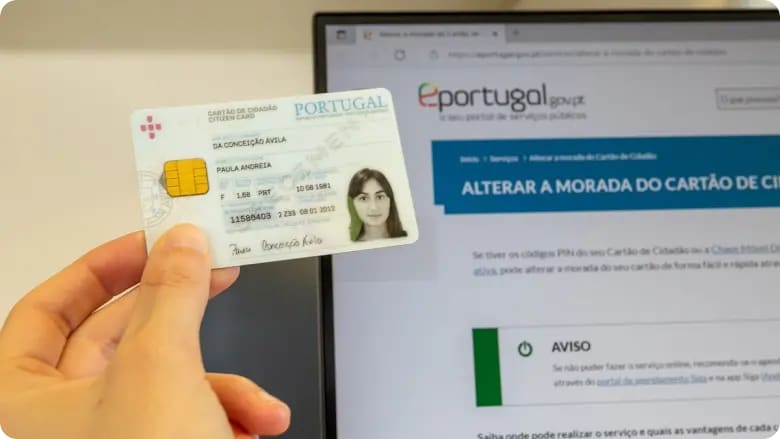
A crucial practical point, though: If you don’t have a Portuguese Cartão de Cidadão, online activation is only available to people with a Portuguese Cartão de Cidadão.
If you’re a foreigner without it, the official guidance is to activate CMD in person at a service counter.
Chave digital for foreigners: passport vs residence card
- Passport-based CMD is common for newcomers who are not fully set up yet.
- Residence card/title-based CMD can be smoother later, especially when services expect Portuguese identifiers.
How to obtain Chave Móvel Digital?
Where to apply for Chave Móvel Digital?
Best places to apply are:
- Espaço Cidadão
- Loja do Cidadão (often hosts Espaço Cidadão services inside)
- Some municipal service desks people call “town hall,” depending on the city
Booking and queues
Depending on your city, you may be able to book through queue systems or you may need to walk in and take a ticket. In larger cities, arriving early usually helps.
How to activate Chave Móvel Digital?
The easiest, most reliable activation path for foreigners: activate in person
- Go to an Espaço Cidadão (often inside a Loja do Cidadão or a municipal service point).
- Present your ID (passport or residence card/title).
- Provide the phone number you want linked to CMD.
- Set your CMD PIN.
- Confirm with the security code sent to your phone.
Online activation (limited scenario)
Online activation is typically tied to Portuguese citizen authentication methods. If you don’t have those, plan on activating in person, because it’s the most reliable route for foreigners.
What services can I access with Chave Móvel Digital?
CMD is widely used across Portuguese public services and beyond. Examples that explicitly support CMD include:
- **Segurança Social Direta** (login with Cartão de Cidadão or CMD, or with the portal’s own user/password)
- SNS Portal / Área do Cidadão (SNS announced access requiring CMD or Cartão de Cidadão for the reserved area)
- Digital document signing (PDF) via Autenticação.gov in the browser
Typical uses
- Logging into government-style portals where secure access is required
- Accessing reserved areas for personal services
- Confirming actions that require identity verification
- Signing documents digitally in supported workflows
CMD is especially helpful when you need to access public and private digital platforms without repeating verification steps over and over.
If you’re a foreigner and need an alternative to CMD
1) EU citizens: European authentication (eIDAS)
If you’re an EU citizen, some Portuguese portals may allow European Authentication (eIDAS), letting you authenticate using a digital ID issued by another EU member state.
2) Portal-specific accounts (common workaround)
Some portals let you log in using their own credentials instead of CMD. For example, Segurança Social Direta offers authentication with its own user/password as an alternative.
Autenticação.gov also notes that some services may offer other login methods depending on what the service needs (e.g., email-based, user/password, eIDAS).
Common foreigner pitfalls (and how to avoid them)
- Trying to activate online without a Cartão de Cidadão → won’t work; go to a counter.
- Using a residence card/title but forgetting your NIF → you’ll likely be blocked for that activation route.
- Not having your phone available → activation requires receiving a security code.
Getting Chave Móvel Digital (CMD) is one of those small admin steps that pays off again and again once you’re living in Portugal. If you remember just one thing, make it this: foreigners can get CMD, but the smoothest route for most people is to prepare your documents, bring a working phone number, and activate it in person at an Espaço Cidadão or Loja do Cidadão. From there, CMD becomes your everyday digital key for accessing online services, confirming your identity, and handling tasks that would otherwise mean extra logins, extra steps, or extra trips to a counter.
Share this article